

Video editing is more than cutting clips — it’s an art of storytelling. Whether you’re creating content for YouTube, brands, or social media, learning professional editing techniques can help your videos look polished, cinematic, and powerful.
In this blog, you’ll discover the top tips and techniques professionals use to edit videos like experts, even if you’re still a beginner.Edit Videos Like a Professional: Tips & Techniques
1. Edit Videos Like a Professional: Tips & Techniques: Start With a Strong Plan
Before you open your editing software, you must know your purpose.
Plan your edit by considering:
- Who is your audience?
- What message do you want to deliver?
- What emotions should viewers feel?
- What style matches your content — cinematic, fun, minimal, or corporate?
A clear plan makes editing smoother and more creative.
2.Edit Videos Like a Professional: Tips & Techniques: Use the Right Editing Software
Choosing the right tool matters.
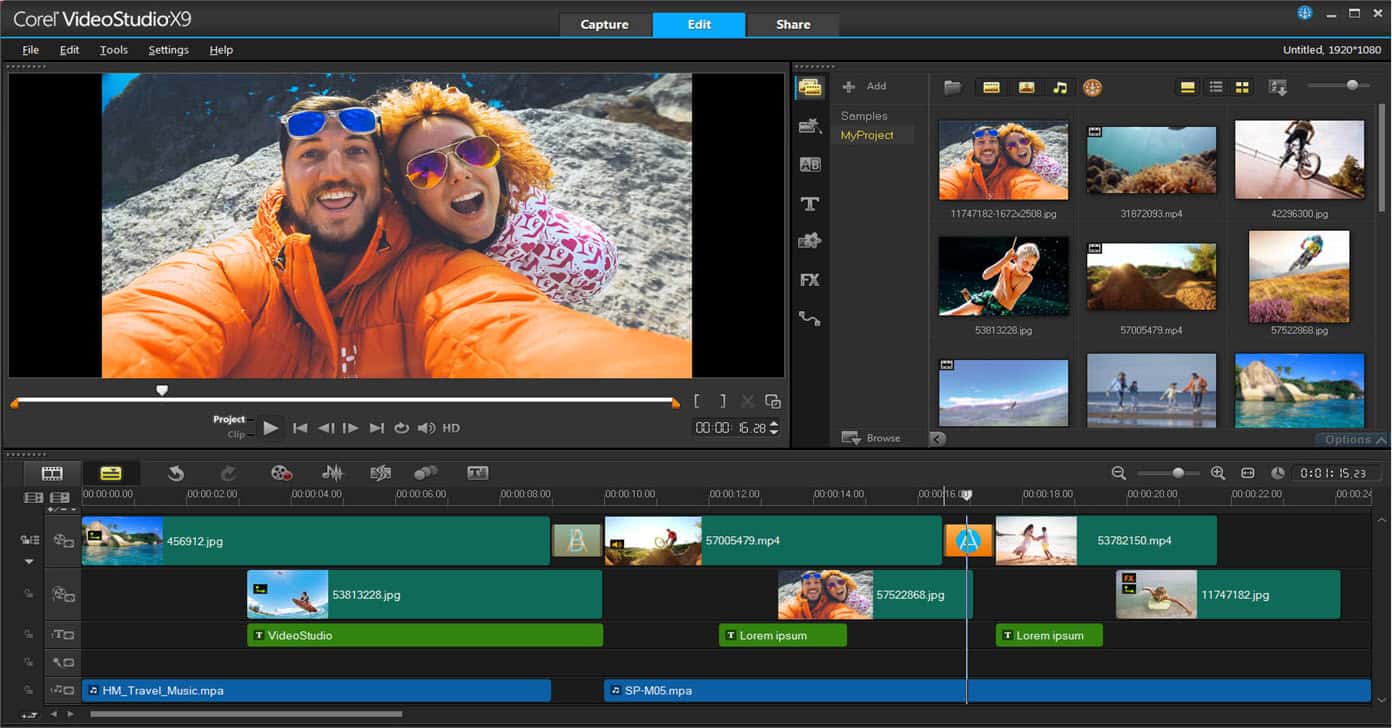
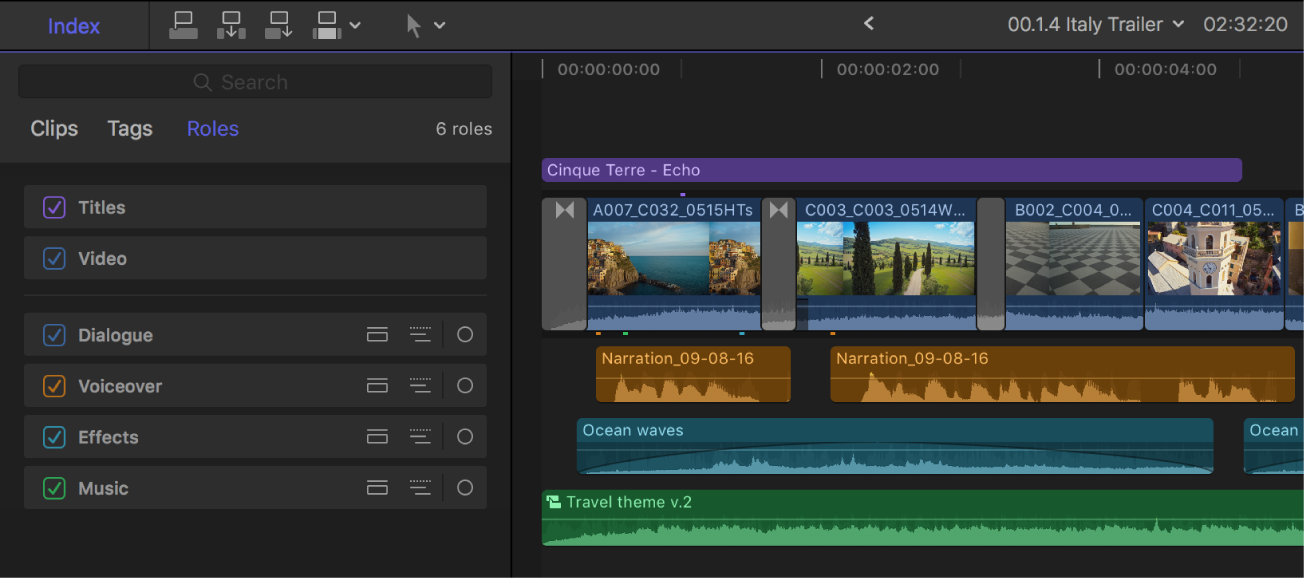
Here are top professional options:

Popular software choices:Edit Videos Like a Professional: Tips & Techniques
- Adobe Premiere Pro – industry-standard, powerful for all types
- Final Cut Pro – fast and perfect for Mac users
- DaVinci Resolve – best for color grading and professional finishing
- CapCut / Filmora – simple tools for beginners & social media creators
Pick a tool that matches your workflow and skill level.
3. Master the Basics: Cutting, Trimming & Arrangement
Great editing is not about fancy effects — it’s about clean structure.
Focus on:
- Cutting unnecessary parts
- Keeping scenes short and engaging
- Maintaining a natural flow
- Matching audio with visuals
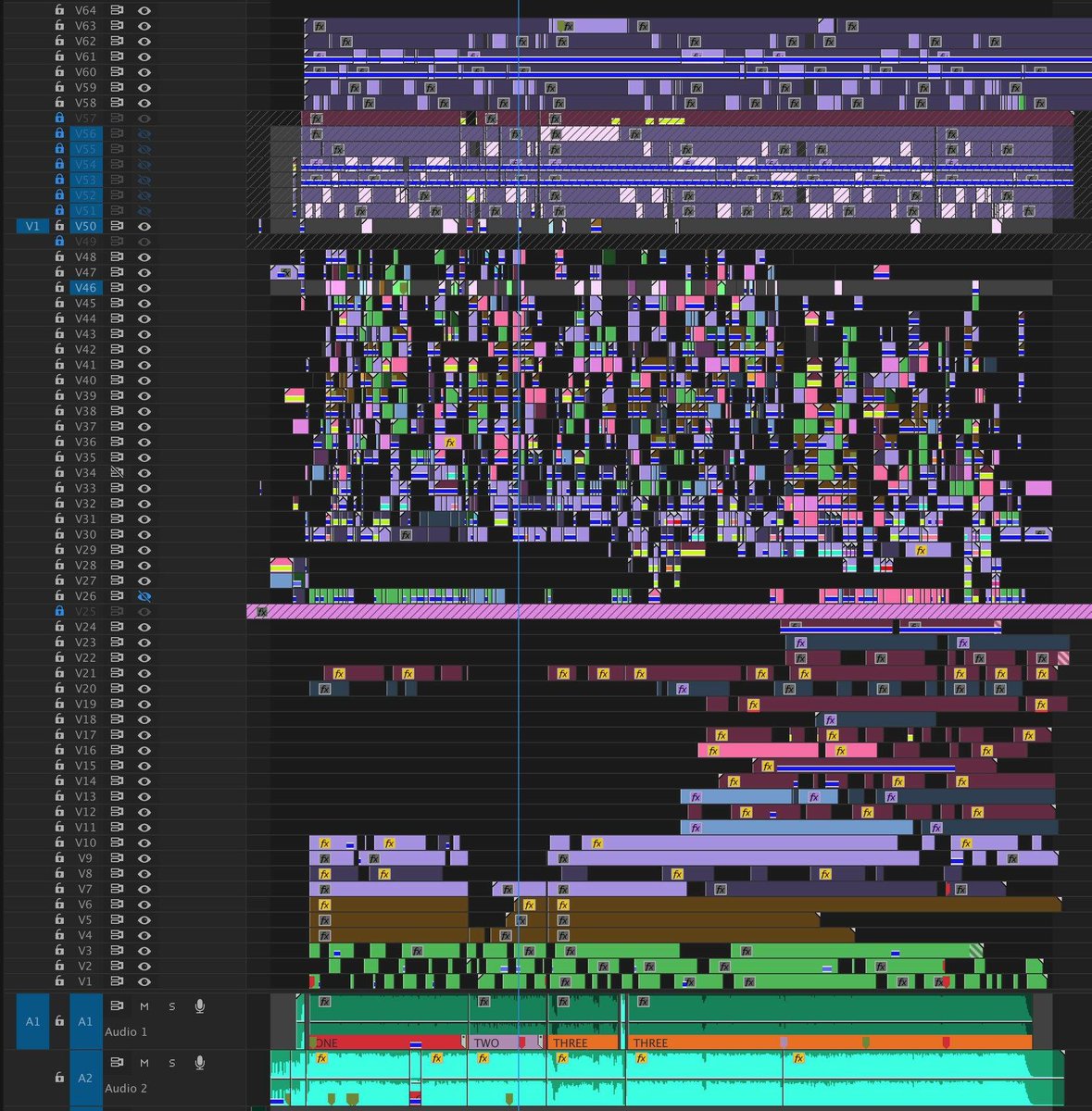
The smoother the timeline, the more professional the video will feel.
4. Use Professional Transitions (Not Too Many)
Transitions should support the story — not distract it.
Best transition types:
- Straight cuts (most professional videos rely on this)
- Cross dissolves for soft scene changes
- Camera-matched transitions (whip, zoom, slide)
- Cut on action for seamless movement
Avoid overusing flashy transitions — they make videos look amateur.
5. Focus on High-Quality Audio
Sound quality is 50% of your video, even if people don’t notice it.
Improve your audio by:Edit Videos Like a Professional: Tips & Techniques
- Removing background noise
- Adjusting volume levels
- Using clean voiceovers
- Adding well-timed sound effects
- Using royalty-free music that fits the mood
Good audio creates a professional viewing experience.
6. Add Motion Graphics & Text Overlays


Motion graphics make your videos look modern and stylish.
Use:
- Title animations
- Lower-thirds (name tags)
- Stylish subtitles
- Animated icons
- Logo reveals
Keep your fonts and colors consistent with your brand.
7. Use Color Correction & Color Grading
Color grading adds life, mood, and style to your video.
Two important steps:
- Color Correction
- Fix brightness, contrast, white balance.
- Color Grading
- Apply cinematic tones (teal–orange, moody dark, vibrant warm, etc.)
Color grading is what makes your video look truly professional.
8. Improve Your Editing Speed With Shortcuts
Professionals save hours by using keyboard shortcuts.
Learn shortcuts for:
- Cutting (C)
- Ripple delete
- Copy/paste attributes
- Split clips
- Timeline navigation
Faster editing = more productivity + more creativity.
9. Tell a Story, Not Just a Sequence
Good editing is about emotion, rhythm, and story flow.
To build a strong story:
- Start with a hook
- Build curiosity
- Keep pacing tight
- Use music to guide emotion
- End with impact
Every cut should move the story forward.
Final Thoughts : Edit Videos Like a Professional: Tips & Techniques
Editing like a professional doesn’t require the most expensive software — it requires creativity, planning, and attention to detail. When you combine solid storytelling, clean cuts, good sound, polished color, and consistent style, your videos instantly level up.