

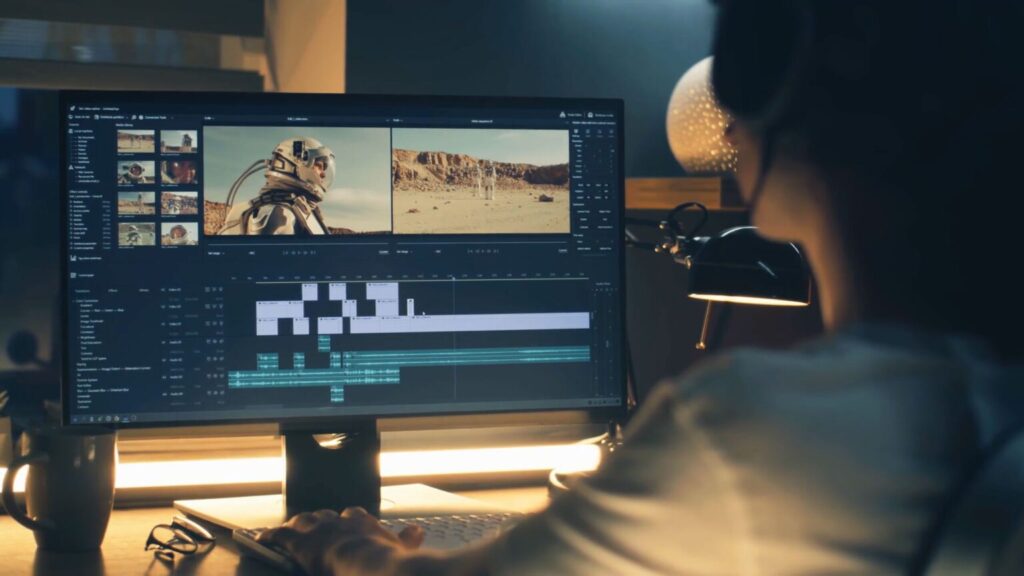
🎬 The Ultimate Guide to Editing Cinematic Videos
Ultimate Guide to Editing Cinematic Videos are more than just beautiful visuals—they tell a story, evoke emotion, and create a movie-like experience that keeps viewers captivated from beginning to end. Whether you’re a beginner or an aspiring filmmaker, learning how to edit cinematic videos can take your content to the next level.
Ultimate Guide to Editing Cinematic Videos will walk you through everything you need to know—from color grading and transitions to sound design and pacing—to help you create stunning cinematic edits that look straight out of a film.
🎥 1. Understand What Makes a Video “Cinematic”
Before editing, you need to know what separates a cinematic video from a regular one. Cinematic videos usually have:
- Strong storytelling
- Smooth camera movements
- Film-like color tones
- Controlled pacing
- Emotion-driven sound design
- High-quality lighting and composition
Editing brings all these together to create the final cinematic feel.
🖥 2. Choose the Right Editing Software
While you can edit cinematics on many platforms, these are the best options:
Professional Editors:
- DaVinci Resolve (best for color grading)
- Adobe Premiere Pro
- Final Cut Pro
Beginner-Friendly Tools:
- CapCut (surprisingly powerful)
- Filmora
- VN Editor
Choose a software that fits your comfort level and upgrade as your skills grow.
📽 3. Start With a Strong Storyline
Cinematic videos rely on emotion + storytelling, not just random clips.
Think about:
- What message are you sending?
- What emotion should the viewer feel?
- What’s the beginning, middle, and end?
Use a simple structure:
Hook → Build-Up → Climax → Ending
Even montage-style videos become cinematic when they follow a story arc.
🎞 4. Use Smooth, Clean Cuts (Less Is More)
Cinematic editing doesn’t rely on flashy transitions. Instead, it focuses on:
- Straight cuts
- L-cuts
- J-cuts
- Cross-dissolves
- Match cuts
These techniques make your video feel natural, calm, and film-like.
Avoid:
❌ Crazy zooms
❌ Spin transitions
❌ Overused glitch effects
They break the cinematic feel.
🎚 5. Master Color Grading (The Secret to Cinematic Look)
Color grading is what gives cinematic videos their signature style.
Cinematic Color Principles:
- Use warm tones for drama or nostalgia
- Use teal & orange for a classic movie look
- Use cool tones for emotional or moody scenes
Tips for Perfect Grading:
- Start with color correction (exposure, white balance)
- Apply a film-style LUT
- Reduce saturation slightly
- Add film grain for texture
Color grading alone can transform a simple video into a cinematic masterpiece.
🎵 6. Use Music to Set the Mood
Music controls the emotion of your video more than visuals do.
Choose music based on:
- Theme
- Pace
- Emotion
- Story flow
Editing tip:
Cut your clips on the beat or during emotional peaks.
This creates rhythm and enhances viewer engagement.
🔊 7. Add Sound Effects for Realism
Cinematic videos are full of subtle sound effects like:
- Footsteps
- Wind
- Water
- City ambience
- Whooshes
- Nature sounds
These tiny audio layers make your video feel bigger and more immersive.
🎬 8. Use Slow Motion (But Only When Needed)
Slow motion is a classic cinematic technique, but don’t overuse it.
Use it for:
- Emotional moments
- Landscape shots
- Action scenes
- Dramatic reveals
Always record in high frame rates (60fps, 120fps) for smooth results.
🎥 9. Add Cinematic Elements
These small touches make your video more film-like:
- Black letterbox bars
- Soft light leaks
- Subtle vignettes
- Film grain overlays
- Lens flares
- Motion blur
Keep them subtle to avoid a “fake cinematic” look.
🎚 10. Fix the Pacing and Flow
Cinematic pacing is slower, smoother, and more emotional.
Use longer clips, avoid unnecessary cuts, and allow moments to breathe.
Your viewers should feel like they’re watching a scene—not scrolling through fast edits.
🚀 Final Thoughts Ultimate Guide to Editing Cinematic Videos
Editing cinematic videos takes practice, patience, and a solid understanding of storytelling and visual emotion. But with the right techniques—smooth cuts, strong music, good color grading, and thoughtful pacing—you can transform any footage into a cinematic masterpiece.
Remember:
Cinematic editing is not about effects. It’s about emotion.
Nice blog good keeping